
Create Stunning Roblox Game Icons with AI
The AI Roblox icon generator for developers. Describe what you want and get a pixel-perfect 1024x1024 game icon in seconds. No designer, no wait, no design skills needed.
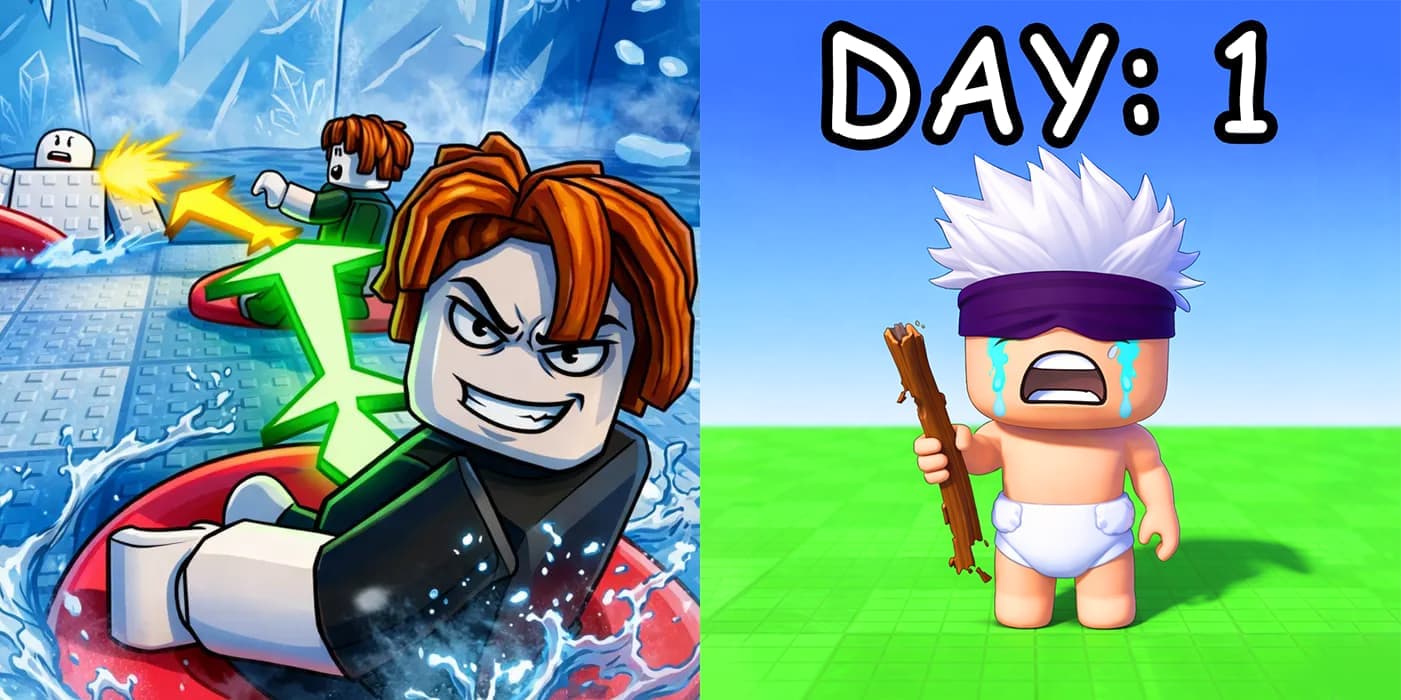
The Fastest Way to Make a Roblox Game Icon
Your game icon is the first thing players see in search and on the Roblox home page. A sharp, eye-catching icon earns clicks, while a weak one gets scrolled past. Commissioning one from a designer is slow and costly, and you only learn if it converts after paying.
This AI icon generator collapses that into seconds. Generate a batch of professional 1024x1024 icons for cents, test them, and keep the winner. It is part of the full Roblox AI GFX suite, alongside the thumbnail maker and logo maker.
Everything You Need for Perfect Game Icons
Roblox Game Icon Size & Requirements
Roblox game icons use a 1024 x 1024 pixel square. Get the format right and your icon looks crisp everywhere it appears, from search results to the games list.
- Dimensions: 1024 x 1024 pixels (1:1 square)
- Format: PNG or JPG
- Display: Roblox rounds the corners, so center your subject
Every icon from this tool is generated at the correct 1024 x 1024 size, so there is nothing to crop or resize before you upload.
How to Create a Roblox Game Icon
Add a Reference Image
Upload a reference image, such as a screenshot, character, or existing art, so the AI can match your game's style.
Add Your Prompt
Describe the icon you want. Be specific about the subject, colors, and mood. For example: "A glowing sword with purple energy, dark fantasy style".
Generate & Download
Wait around 30 seconds for your icon to generate, then download it as a PNG.
Frequently Asked Questions
What size should a Roblox game icon be?
Roblox game icons are 1024 x 1024 pixels, a 1:1 square. Roblox displays them with rounded corners, so keep your main subject centered and avoid important details in the very corners. Every icon from this tool is generated at 1024 x 1024, ready to upload.
How do I make a Roblox icon with AI?
Describe the icon you want, including the subject, colors, and mood. Optionally add reference images so the AI matches your game's style. Generate, then download the finished 1024 x 1024 PNG in seconds. No design skills needed.
How do I make an icon that stands out?
The best Roblox icons feature one clear, high-contrast subject that reads instantly at small sizes. Bold colors, a simple background, and a single focal point beat busy, detailed scenes when your icon is shown next to hundreds of others.
Can I use my own art as a reference?
Yes. Upload reference images such as character models, screenshots, or existing art, and the AI will match your style and aesthetic. Reference image limits depend on your plan.
Can I use the icons commercially?
Absolutely. Every icon you generate includes a full commercial license, so you can use it on your Roblox game page, in ads, and across social media, including for monetized experiences.
How much does an icon cost to make?
Icons cost 2 credits per generation, just cents each. New users can verify their Discord to claim free credits and test the tool before committing to a plan.
Ready to Create Your Game Icon?
Join thousands of Roblox developers using AI to create stunning game assets.
Start Creating