
Create Clean Vector Art for Roblox with AI
The AI Roblox vector generator for developers. Create crisp, scalable, transparent-background graphics for your game UI, items, and assets. 8 unique styles, just 1 credit each.
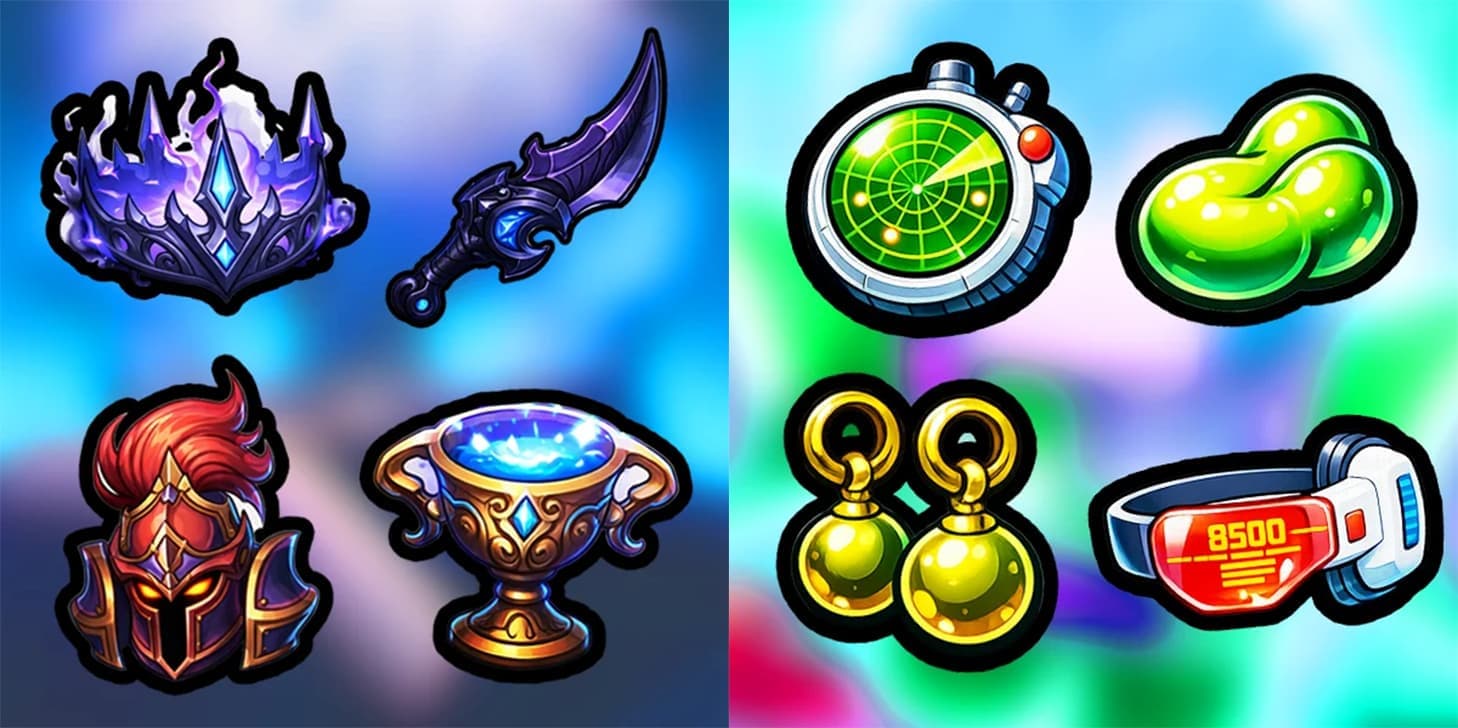
Vector Assets for Your Roblox Game in Seconds
Clean vector art is the backbone of a polished Roblox game: shop icons, currency badges, buttons, pet art, and UI elements that stay sharp at any size. Drawing each one by hand, or paying an artist per asset, adds up fast.
This AI vector generator makes each asset cost 1 credit and take seconds, on a transparent background and ready to drop into Studio. It is part of the full Roblox AI GFX suite, alongside the icon generator and logo maker.
8 Unique Vector Styles
Flat
Clean, solid colors with minimal shading
Realistic
Detailed, lifelike vector illustrations
Fantasy
Magical, whimsical art style
Drawn
Hand-drawn sketch aesthetic
Simulator
Perfect for simulator game assets
Anime
Japanese animation inspired style
Adventure
Bold, adventurous game art style
RPG
Role-playing game inspired artwork
Perfect for Game Development
Frequently Asked Questions
What is vector-style art?
Vector-style art uses clean lines and solid colors to create crisp, scalable graphics. It's perfect for game UI, logos, and icons that need to look sharp at any size.
What can I use vector art for in Roblox?
Vector art is great for game UI elements (buttons, icons, badges), in-game items, shop graphics, loading screens, and promotional materials. The clean style works well at any resolution.
Do vectors have a transparent background?
Yes. Vectors are generated on a transparent background so you can drop them straight into your UI, overlay them on thumbnails, or place them on any color without a visible box around the art.
How do I choose a style?
Select a style preset that matches your game's aesthetic. Flat works for modern/minimal games, Fantasy for magical games, Simulator for tycoon-style games, and Anime for stylized games. You can preview styles before generating.
Why is vector art only 1 credit?
Vector-style images are simpler to generate than complex thumbnails, so we pass the savings to you. At 1 credit each, you can create lots of assets affordably.
Can I use vector art commercially?
Absolutely. Every asset you generate includes a full commercial license, so you can use it in your Roblox games, including monetized experiences, and in your marketing.
Start Creating Vector Art
Clean, professional graphics for your Roblox game at just 1 credit each.
Generate Now